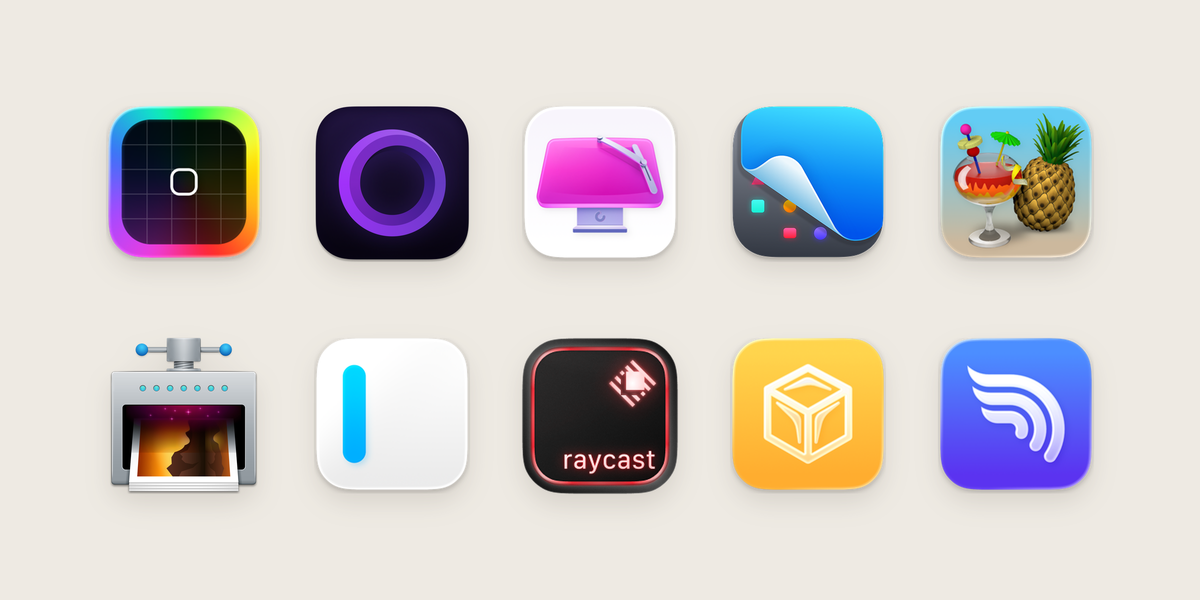
There are some lovely little Mac utilities that make this easier. But they solve different problems: connecting a mouse, switching headphones between Macs and sharing a film with someone all need slightly different tools.
I’ve compared their documented features below. Hermes Audio is our own app at Little Victories.
| App | Main use | Price | Minimum macOS |
|---|---|---|---|
| ToothFairy | Connect Bluetooth devices from the menu bar or keyboard | US$6.99 | 10.13 |
| AirBuddy | Battery information and controls for Apple and Beats devices | US$20 | 14 |
| Hermes Audio | Headphone takeover between Macs; disconnect on lock or sleep | Free at launch; US$3.99 on the App Store when available | 14 |
| PairPods | Listen together through multiple Bluetooth headphones | Free | 13.5 |
| Sharptooth | Bluetooth hotkeys and connection scripts | US$1.99, with in-app purchases | 15 |
ToothFairy: fewer clicks, less digging around
Price: US$6.99 on the Mac App Store
Requires: macOS 10.13 or later.
ToothFairy is the definition of a utility. Give a Bluetooth device its own menu bar icon or keyboard shortcut, then connect or disconnect it without opening Control Centre.
It works with headphones, mice and keyboards, shows battery information where supported, and can run scripts when a device connects or disconnects. Its manual includes a cross-Mac handoff script, but that requires extra setup rather than a built-in Take Over button.
AirBuddy: more of your devices in one place
Price: US$20 per licence; regional checkout prices vary
Requires: macOS 14 or later and Bluetooth Low Energy. Some features need a newer macOS version.
AirBuddy shows battery information and provides headset controls for supported Apple and Beats devices.
It can work with third-party peripherals too, but there’s a catch: what it can show or control depends on what the device makes available to macOS. Don’t expect every pair of cheap earbuds to gain AirPods-specific features.
There’s also Magic Handoff for moving a Magic Mouse, Magic Keyboard or Magic Trackpad between Macs. Get AirBuddy or check device compatibility.
Hermes Audio: your headphones, on the Mac you’re actually using
Price: Free at launch from the website; US$3.99 when it arrives on the Mac App Store
Requires: macOS 14 or later; Intel or Apple silicon. Install and link it on each Mac.
Hermes focuses on two familiar frustrations: headphones connected to your other Mac, and headphones that stay connected after you’ve stepped away.
Take Over asks the other linked Mac to release your headphones, then connects them to the one you’re using. Disconnect on lock or sleep frees them when you step away. If you lock your Mac while music is playing through your headphones, Hermes waits until it stops. If the Mac goes to sleep, it disconnects them straight away. This frees the headphones for your phone to connect.
PairPods: two people, one Mac, no sharing an earbud
Price: Free and open source
Requires: macOS 13.5 or later, according to the developer’s website.
PairPods solves a different problem. Instead of moving headphones between computers, it lets multiple Bluetooth devices listen to the same Mac at once.
Think watching a film together on a train, with each person using their own headphones. It offers per-device volume controls and lets you choose which connected devices join in.
Which Bluetooth app should you choose?
The right choice depends on what’s annoying you:
- Too many clicks to connect a device? Start with ToothFairy.
- Want device information and controls, especially for Apple accessories? Look at AirBuddy.
- Headphones clinging to the wrong Mac? Hermes is built for takeover and letting go when you step away.
- Watching something together? PairPods is for shared listening.
- Prefer hotkeys and scripts? Sharptooth is worth a look alongside ToothFairy.
Prices and product details checked 1 November 2026 against published documentation, plus source review for PairPods and Hermes. This is not a hands-on test of the commercial apps. Regional prices, taxes and device support vary.
Feature references: ToothFairy manual, AirBuddy automatic switching, Magic Handoff, AirBuddy Shortcuts, PairPods source, and Sharptooth developer page.